
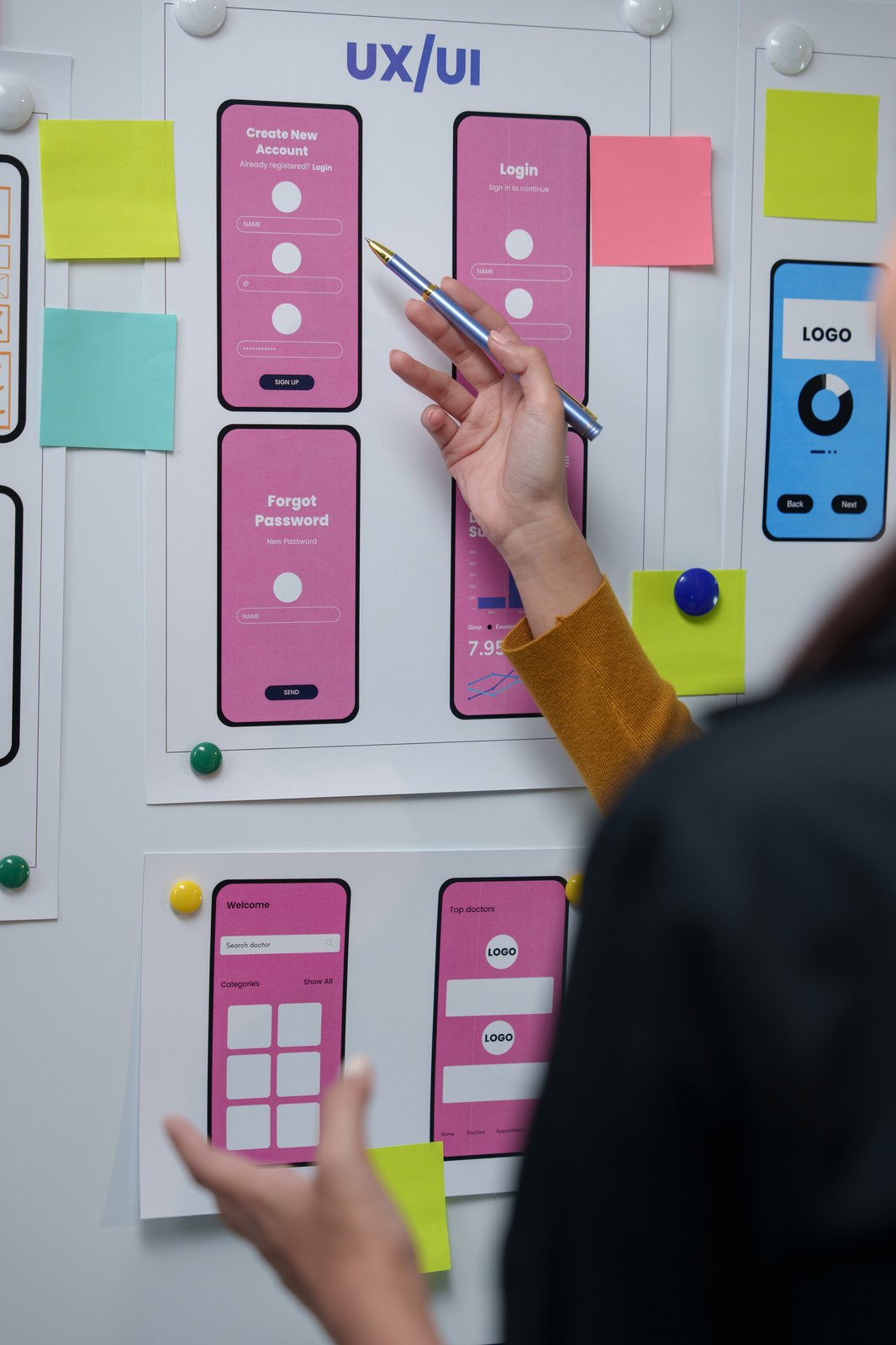
Nielsen Norman Group’s 2026 State of UX report makes a point that sounds almost boring given how much has changed in the field: the fundamentals of good UX, understanding users, reducing friction, keeping interfaces clear, have not changed. What has changed is the stakes attached to getting them wrong, now that AI tools let smaller teams ship far more surface area than they used to, often without a proportional increase in the scrutiny each screen receives.
- Core UX principles, clarity, feedback, consistency, user control, remain unchanged by AI.
- AI has mainly compressed the time between idea and testable interface, not the judgment required.
- AI interfaces introduce a genuinely new fundamental: trust and transparency when a system’s behavior is not fully predictable.
- Leaner teams mean each individual design decision now carries more weight, not less.
What actually accelerated, and what did not
AI tools have genuinely compressed the distance between an idea and a testable interface. Wireframes, content drafts, and clickable prototypes that used to take a day can now be produced in minutes, and design teams working with these tools report meaningfully shorter iteration cycles as a result. What has not compressed is the judgment needed to decide whether a fast output is actually the right one. Speed changed. The skill of evaluating what speed produces did not.
Clarity still means the same thing it always did
A clear interface tells a user, at every point, what is happening, what their options are, and what will happen if they choose one. That principle predates any AI tool by decades and remains exactly as true now. The new wrinkle is that AI-generated content and layouts can look polished and confident while still being unclear about what the underlying system is actually doing, which makes clarity harder to fake-check by simply eyeballing a screen.
Trust is the fundamental that AI interfaces added, not replaced
Designing for an AI-driven feature, a chatbot, a recommendation engine, an automated summary, introduces a genuinely new fundamental that classic UX theory did not need to emphasize as heavily: the system’s behavior is probabilistic, not fully predictable, and a user needs to understand that without it being spelled out awkwardly on screen. Building that confidence rests on the same four supports every time: transparency about what the system is doing, control to override or correct it, consistency in how it behaves, and visible support when it fails.
Why failure states matter more for AI features specifically
A traditional form either submits or shows an error; the failure is binary and easy to design for. An AI feature can fail more ambiguously: it can return a confidently wrong answer that looks exactly like a correct one. Designing a clear way for a user to flag or correct that kind of failure is quickly becoming its own UX fundamental, not an edge case worth an afterthought.
Why leaner teams raise the stakes on every decision
As AI tools let smaller teams produce more design output, the amount of human review per screen has, in many organizations, gone down rather than up. That is the opposite of what the moment actually calls for. Fewer people reviewing more surface area means a single unclear flow or a single untested AI failure state reaches more users before anyone catches it, which is exactly the environment where fundamentals matter more, not less.
Where design thinking research still fits into an AI-accelerated process
None of this changes the value of the upstream discipline: understanding a user’s actual problem before designing a solution for it. If anything, that discipline matters more when the downstream tooling can produce a plausible-looking answer to the wrong question just as fast as the right one. We cover that upstream discipline directly in our piece on design thinking principles every creator should actually apply, which holds regardless of how fast the prototyping stage has become.
Practical fundamentals worth re-checking on any AI-assisted project
A short, practical list is more useful here than a lecture. Before shipping an AI-assisted feature, check that a user can tell when the system is uncertain, that they have a clear path to correct a wrong output, that the interface does not overstate the system’s reliability, and that a human somewhere in the organization is actually reviewing a representative sample of what ships, not just the demo cases picked for a leadership presentation.
For a broader look at how AI is reshaping the creative process beyond the UX layer specifically, see how artificial intelligence enhances the creative process, and for choosing which tools actually fit your team’s workflow, our 2026 comparison of AI design tools breaks the options down by use case rather than hype.
The fundamental that outlasts the tooling
Tools will keep changing every year for the foreseeable future. The question a good UX designer keeps asking, does this actually reduce friction and confusion for the person using it, has not needed an update since the discipline was named, and it is not going to need one because a model got faster at generating screens.